Today you will meet the computer, learn how our team works, and show what you can already do.
all150 min
Welcome to Wan Bene
Day 1: We too can
Today you will meet the computer, learn how our team works, and show what you can already do.
Story10 min
Wan Bene: we too can
Akello is 10. She lives in Gulu. One day she watches her uncle send money with his phone.
“Who made the phone do that?” she asks.
“People made it,” says her uncle. “People who know how to tell a machine what to do.”
“People from where?”
“From far away. America. China. India.”
Akello thinks for a while. Then she says:
Akello says: Why not from Gulu? We too can.
That is the name of this place. Wan Bene. We too can.
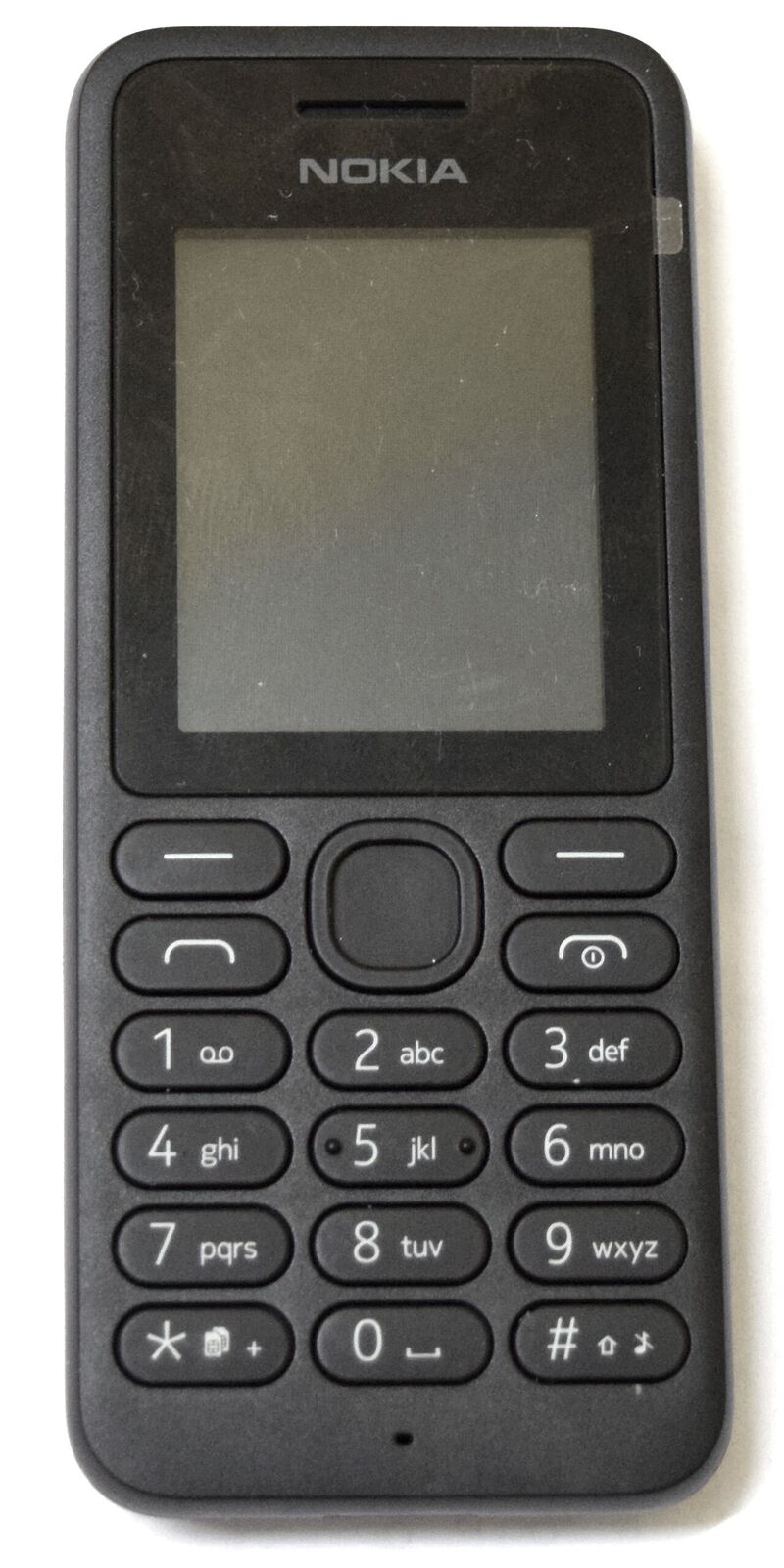
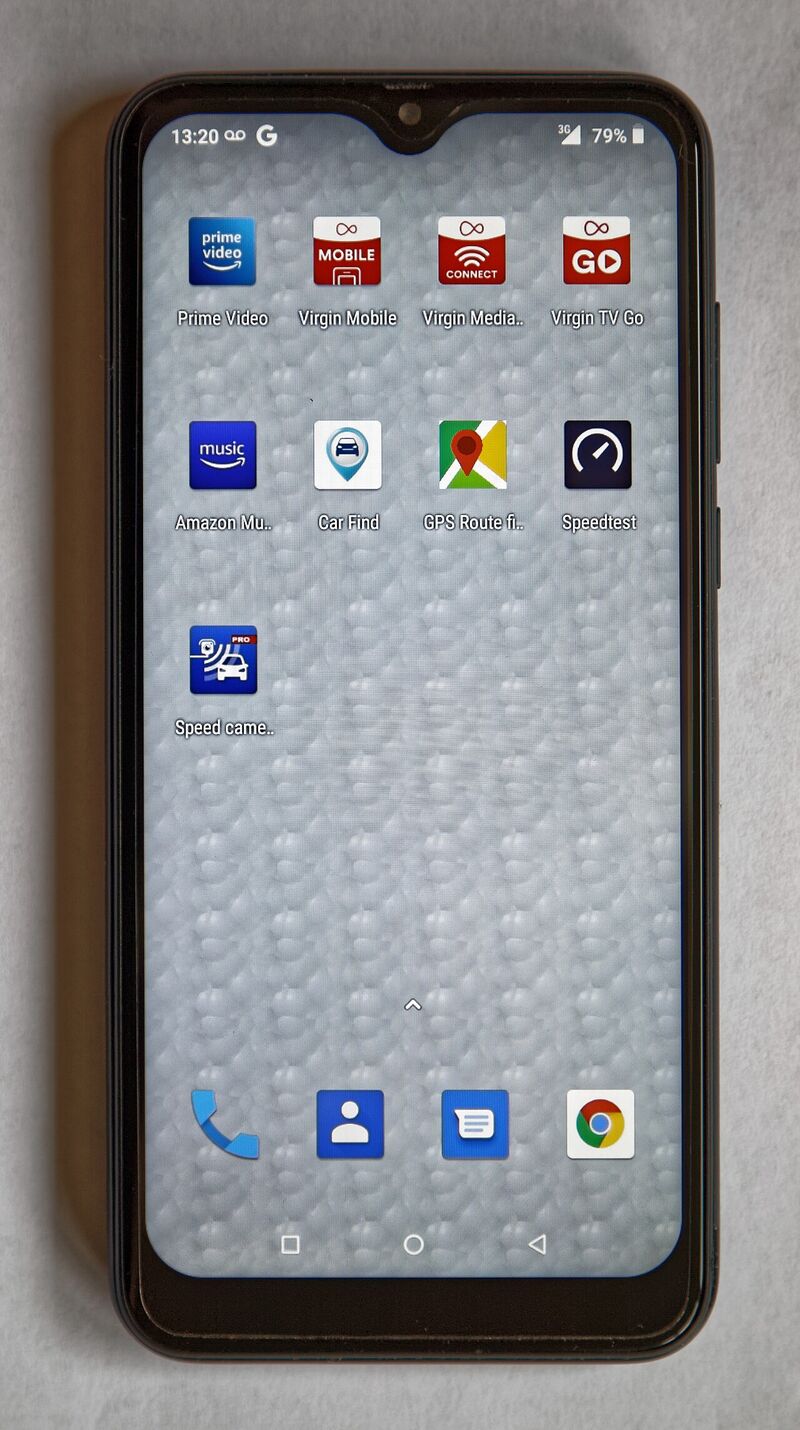
A button phone. Mobile money works on it.Photo: Nikhilb239, CC BY-SA 4.0A smartphone. It is a small computer.Photo: Acabashi, CC BY-SA 4.0
Learn10 min
Our four team rules
Clean hands, gentle hands. No food or water near the computer. We do not bang the keys.
A mistake is a bug. Nobody laughs at a bug. We find it and we fix it.
Driver and navigator. Two people share one computer. The driver uses the hands. The navigator uses the eyes and the voice. Then they swap.
Help with words, not with hands. If your friend is stuck, do not take the mouse. Ask a question that helps.
Like this
Hands behind your back. Ask: What do you see? What could you try?
Not like this
Take the mouse and do it for your friend.
No computer20 min
The human robot
Your teacher is now a robot.
A robot does only what you say. It does exactly what you say. It does not think for you.
Your job: make the robot pour water into the cup.
Before we start, guess: how many instructions will it take? Show with your fingers.
Did you know?2 min
Did you know? The first program
Long ago, in England, Ada Lovelace wrote steps for a machine. A man named Charles Babbage designed the machine. It was made of gears. It was meant to do sums. It was never finished. Ada wrote clear steps for it. The steps would work out a list of numbers. This was in the 1840s, long before any modern computer. Many people call her list the first computer program. Ada also thought that machines might one day do more than sums.
What would you ask a machine to do?
On the computer48 min
Three stations: show what you can do
You will visit three stations. This is not a test. Nobody passes or fails. We want to know where to start with you.
Station A: Mouse. Move the pointer onto the mango. Then click it.
Station B: Keys. Find the keys. Then type your name.
Station C: Puzzles. Six puzzles with a pencil. Do the ones you can.
When you hear “Change!”, move to the next station.
Mouse trainer
Move the pointer onto the mango. Do not click.
Key finder
Puzzle sheetName:
Do the ones you can. It is fine to leave some.
1. What comes next? Draw it.
○ △ ○ △ ○
2. What number comes next?
2, 4, 6, 8,
3. Akello is making tea. Put the steps in order. Write 1, 2, 3, 4 in the boxes.
Put the pot on the fire and wait for the water to boil
Pour water into the pot
Pour the tea into a cup
Add tea leaves and sugar to the hot water
4. What number comes next?
1, 2, 4, 8,
5. A robot stands in box A. It follows these steps: right, right, down. In which box does it stop?
A
B
C
D
E
F
G
H
I
6. Akello is taller than Ocen. Ocen is taller than Opio. Who is the shortest?
Learn10 min
Break
Stand up. Stretch. Drink water outside, away from the computers.
When you come back, wipe your hands.
Learn30 min
Meet the computer
A computer is a machine that follows instructions. It has parts, like a bicycle has parts.
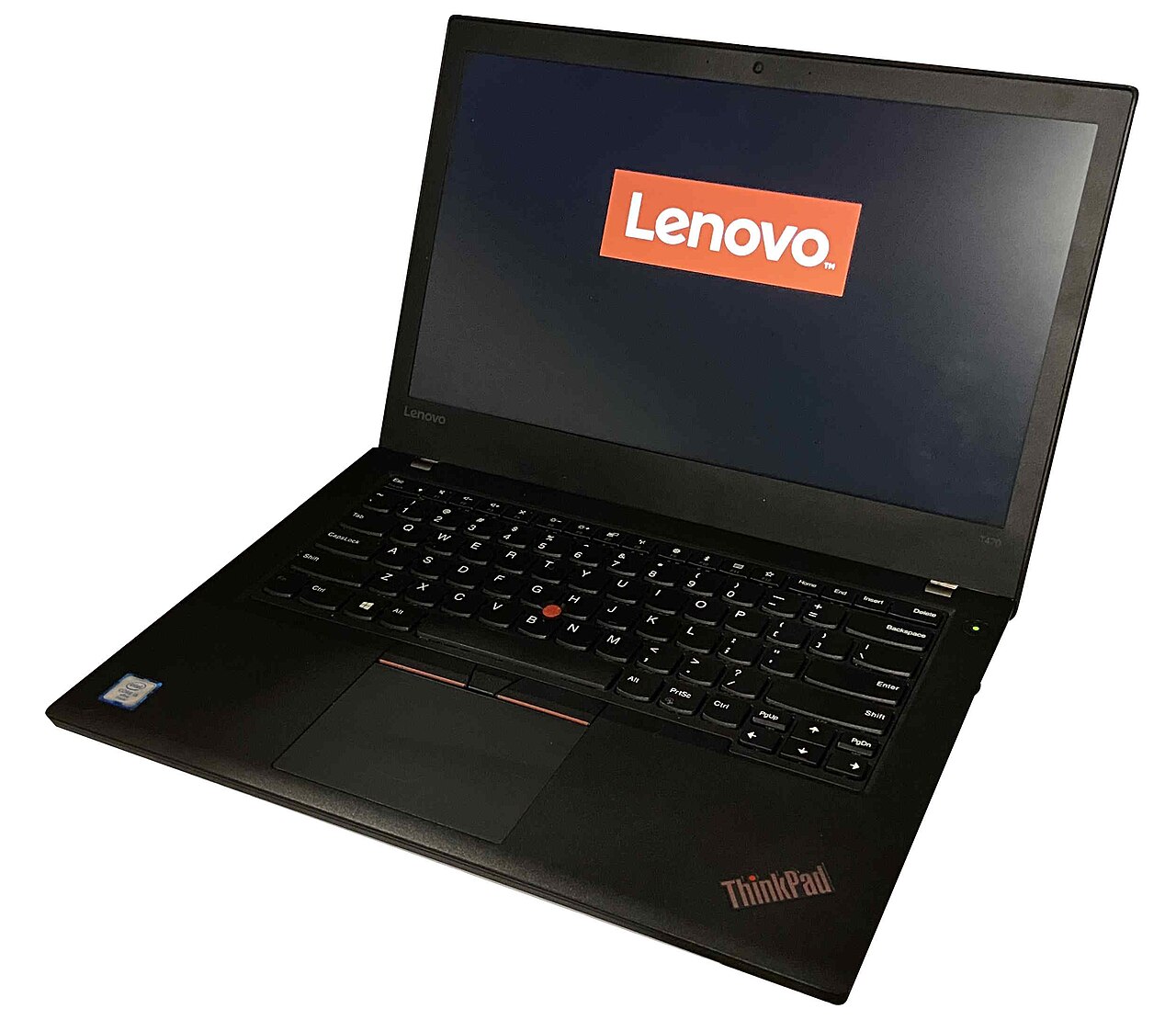
A laptop. You can see the screen, the keyboard and the touchpad.Photo: NickW1129, CC0
Screen. It shows you things. Like the face of a phone.
Keyboard. You press keys to put letters and numbers in.
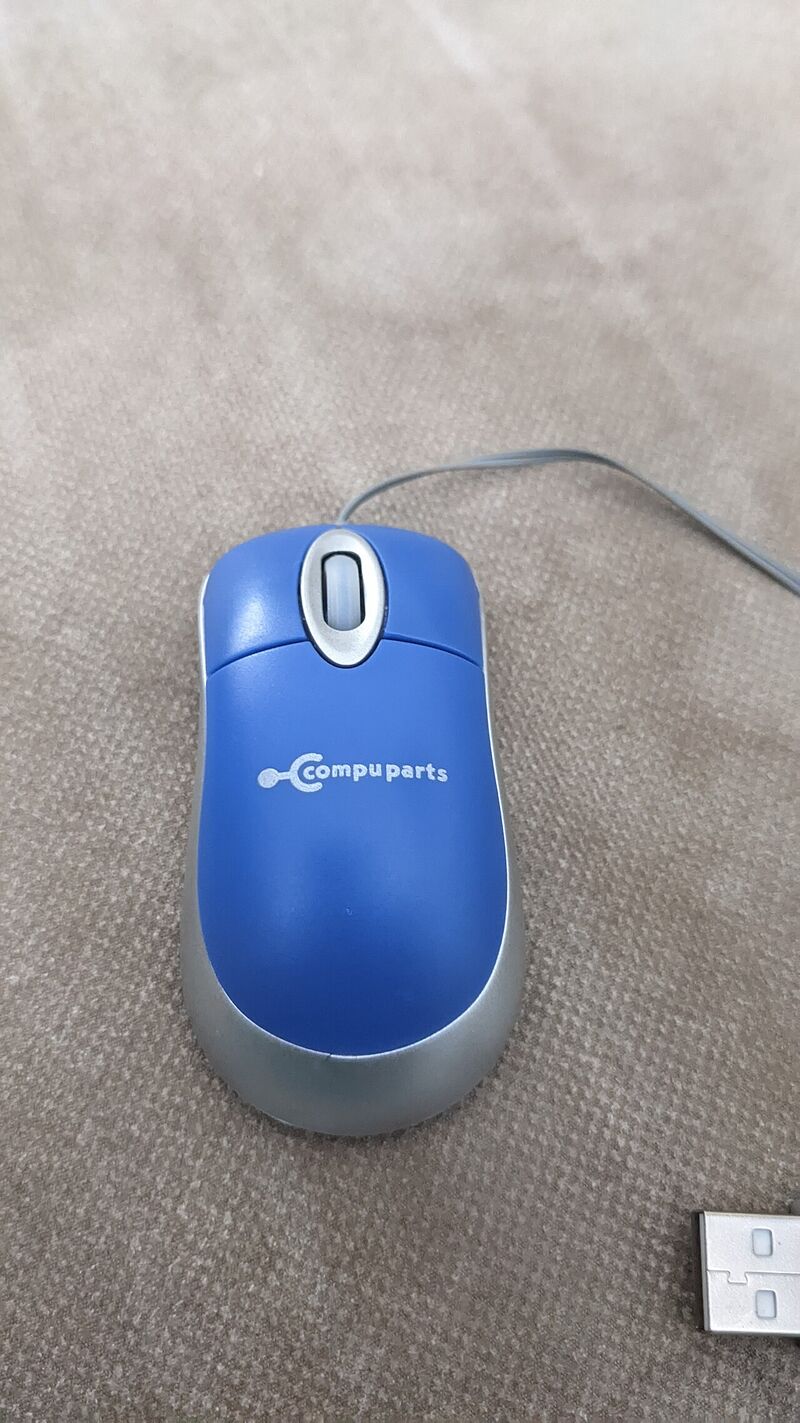
Touchpad or mouse. You use it to point at things on the screen.
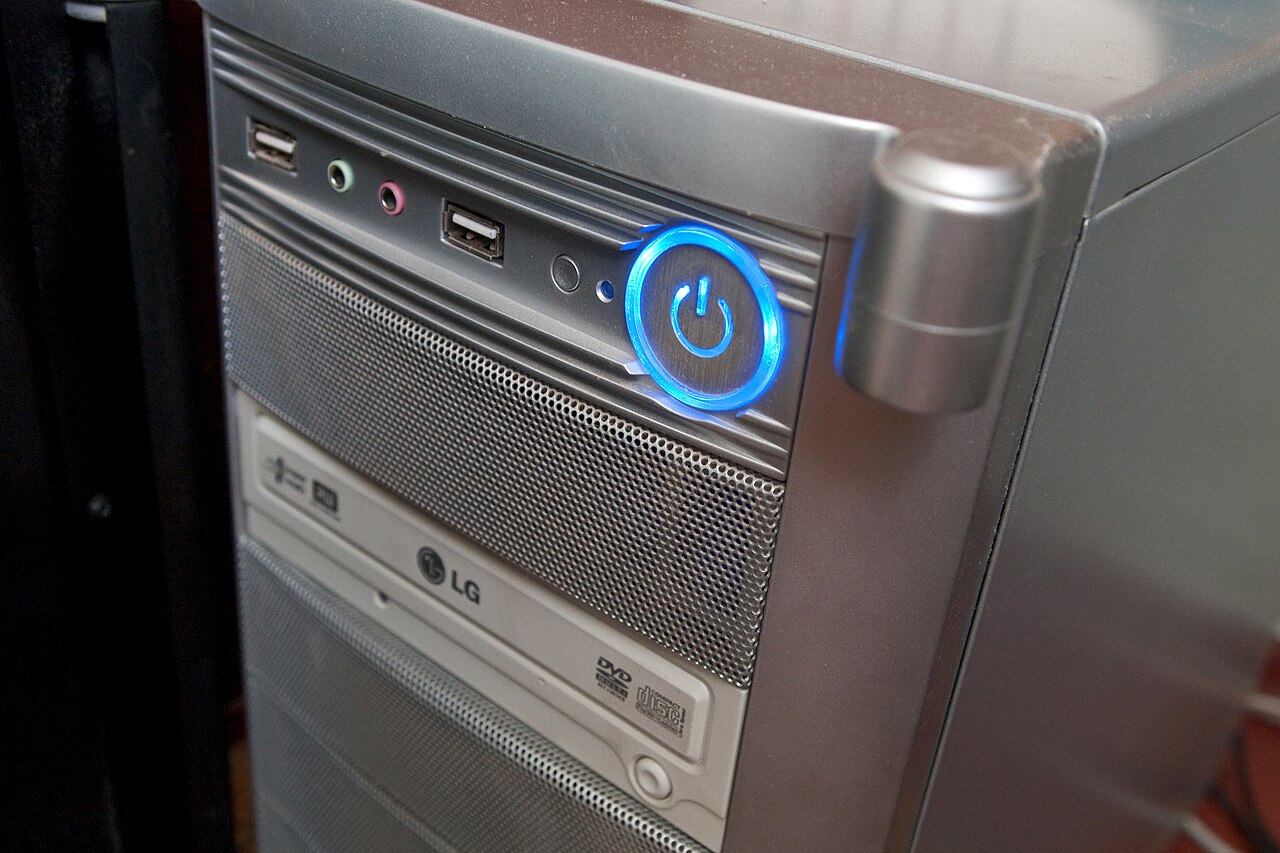
Power button. It wakes the computer up.
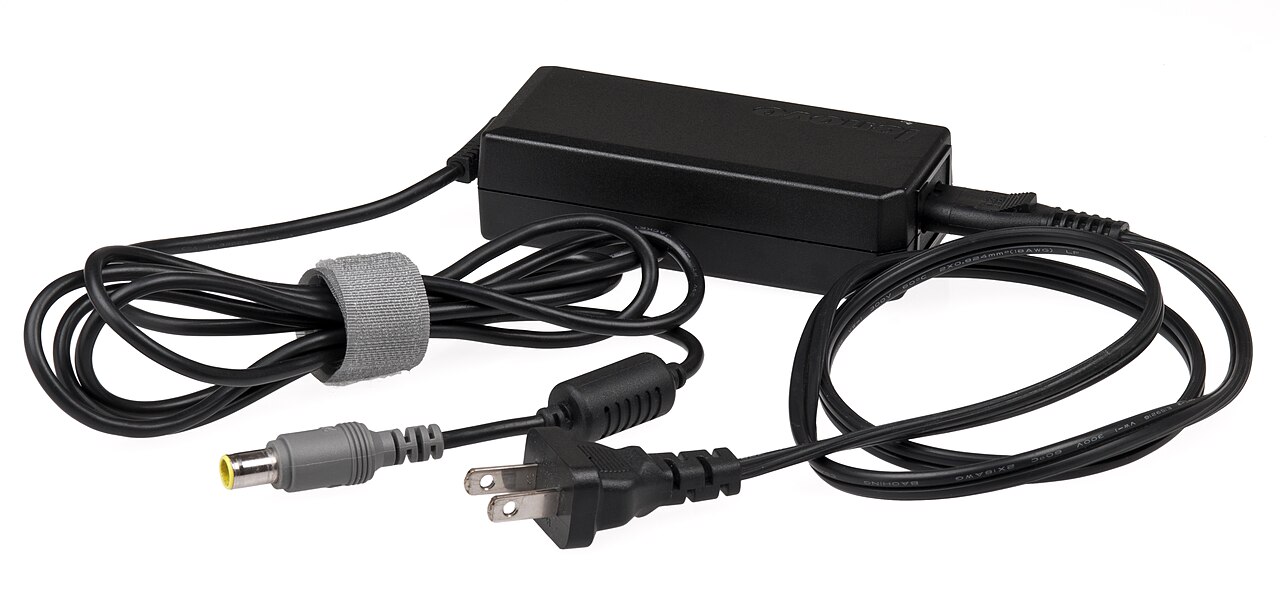
Charging port. Power goes in here, like charging a phone.
Camera. The small eye above the screen.
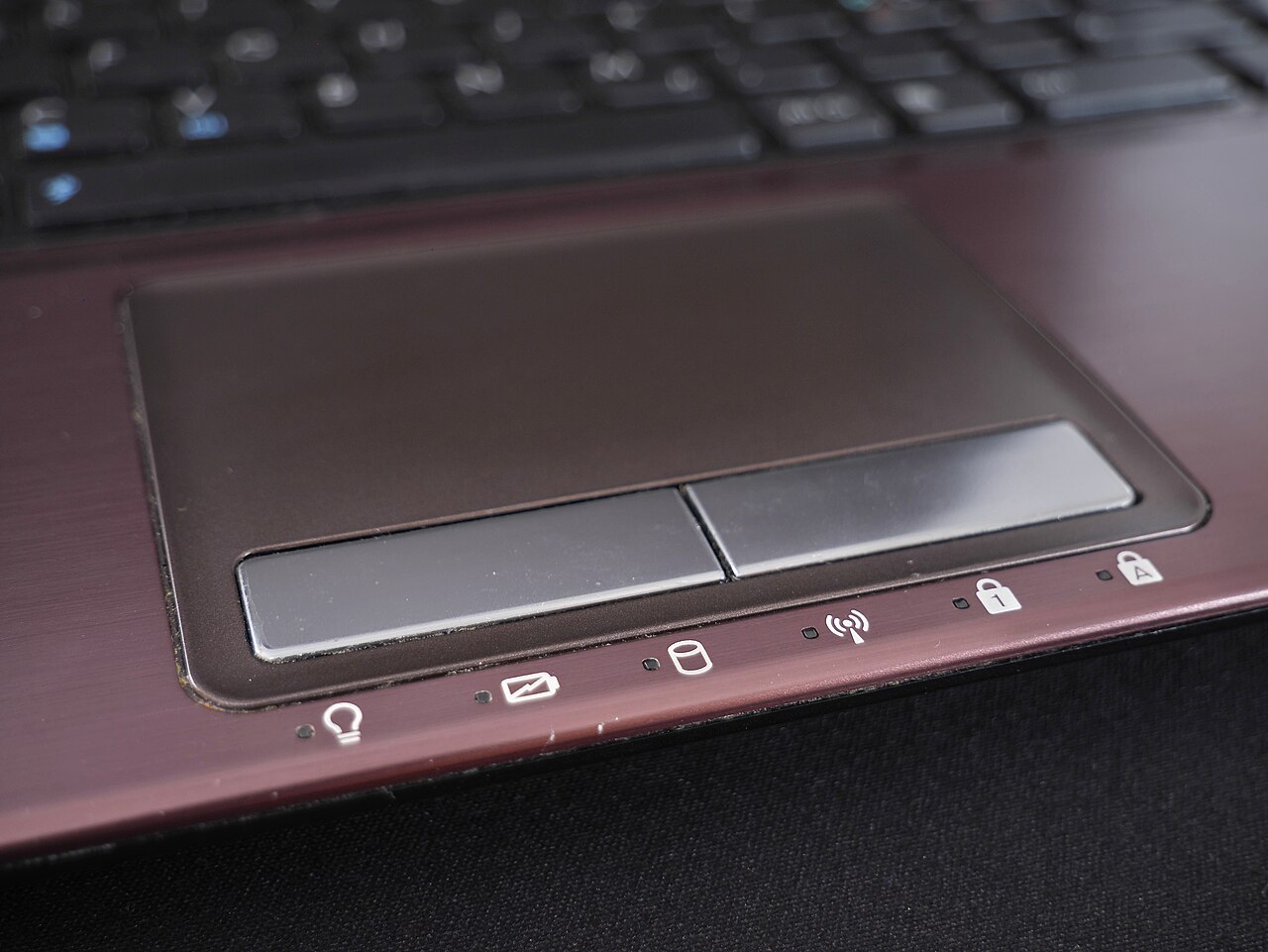
A touchpad. Slide one finger on it.Photo: Santeri Viinamäki, CC BY-SA 4.0A mouse. It does the same job as a touchpad.Photo: Donald Trung Quoc Don (Chữ Hán: 徵國單), CC BY-SA 4.0A power button. Look for this sign.Photo: Vyacheslav Argenberg, CC BY 4.0A laptop charger. Plugs look different in different countries.Photo: Evan-Amos, Public domain
Name the parts
1. Click a name. 2. Click where it belongs.
Switching on: press the power button once. Then wait. The computer is waking up.
Shutting down: we do not press the power button to switch off. We tell the computer to shut down, and it closes everything safely.
Shut down the Lenovo (Windows)
Start
Click the Start button at the bottom of the screen.
Power
Click the Power sign.
Shut down
Click Shut down. Wait until the screen is dark.
Wan Bene moment10 min
Say it out loud
Stand up. Look at your team. Say two sentences:
“My name is … . I want to learn to make … .”
Speak so that the person farthest from you can hear.
Exit question5 min
Exit question
Show with your fingers.
The robot poured water on the table. Whose bug was it?
The robot’s
The person who gave the instruction
The cup’s
CheckQuestion 1 of 3
The robot poured water on the table. Whose bug was it?
Home mission5 min
Home mission
Paper (everyone). Be the commander at home. Choose someone to be your robot: a brother, a sister, a parent. Write the steps for one small job. For example, wash a cup or put on a shoe. Let your robot follow your steps exactly. Find one bug in your steps and fix it. Bring your steps tomorrow.
Phone (only if a family phone is free, and you have asked). Find three parts on the phone that a laptop also has. Tell someone at home their names.