Today you will type two sentences, save them in your own folder, and open them again.
explorers90 min
Type, draw, and save
Saving my work
Today you will type two sentences, save them in your own folder, and open them again.
Story3 min
Laptop block: Akello loses her story
Akello types a story about her goat. She is proud of it.
Then the battery runs out. The laptop goes off.
Next day, she looks for the story. It is gone.
Akello says: I never saved it. The computer forgot.
Ocen says: It did not forget. You did not tell it to keep it.
Remember4 min
Laptop block: Remember
Answer with your pair. Whisper first.
Which key makes a capital letter?
What does Undo do in the DrawPad?
What is a list of clear steps in order called?
Which finger rests on the bump on J?
Learn8 min
Laptop block: Files and folders
A file is your work with a name. The computer keeps it for you.
A folder is a bag for files. Your folder has your name on it.
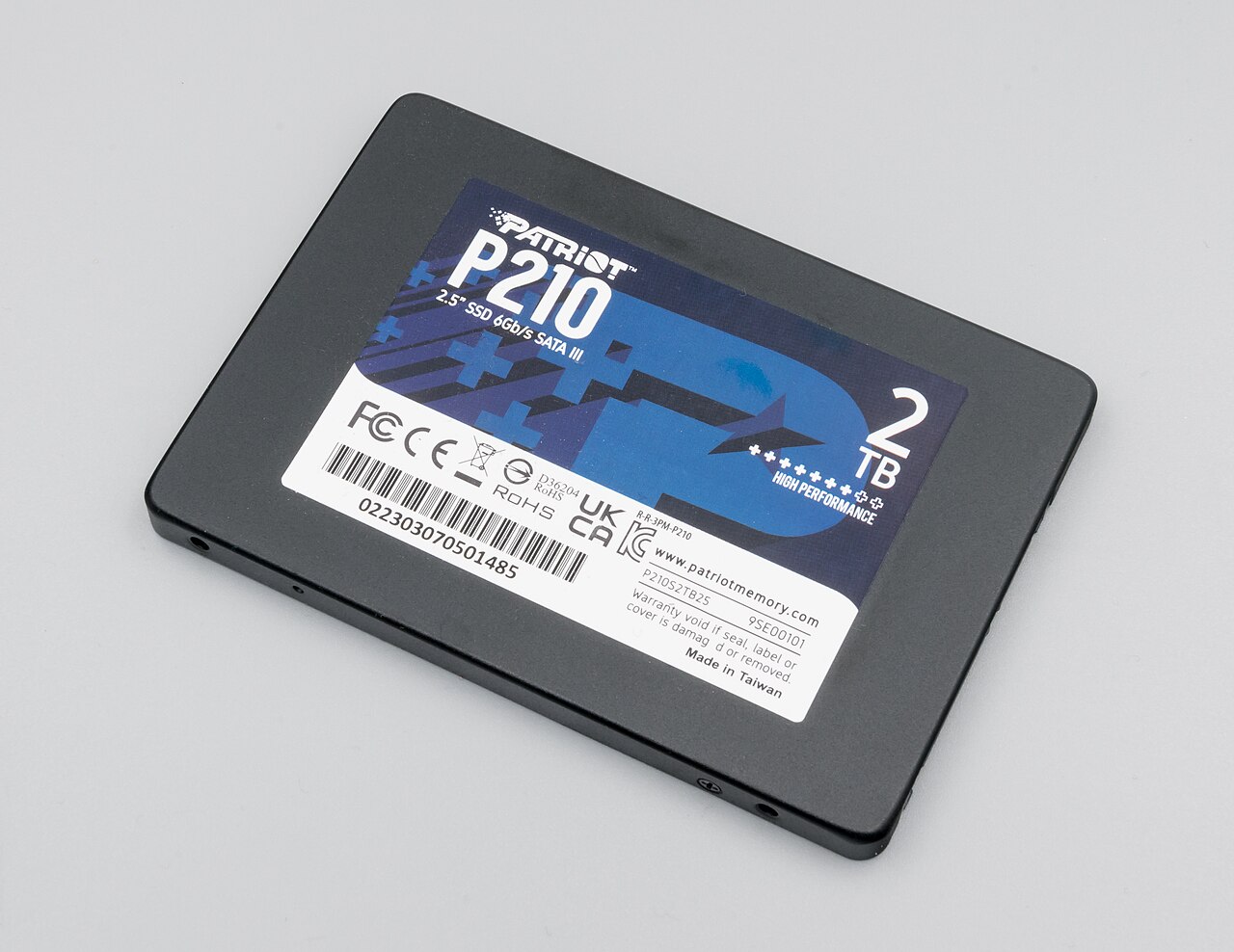
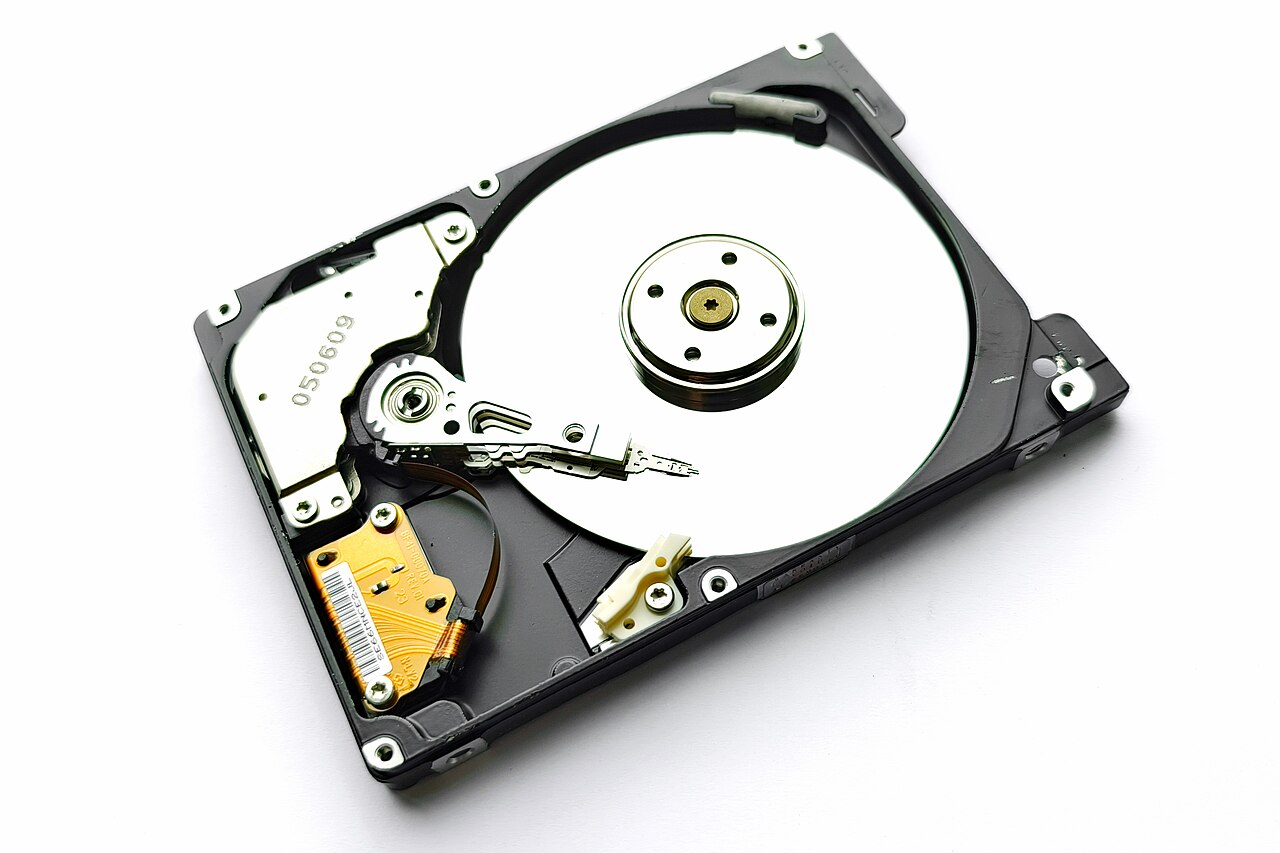
The computer keeps files in a place called a drive. A drive is inside the laptop.
Good names. A good name tells you what is inside. “My goat story” is good. “asdf” is not.
Here are two folders on the Desktop. Click a folder to open it.
The Desktop
A drive keeps your files, even when the power is off.Photo: Jacek Halicki, CC BY-SA 4.0An older kind of drive.Photo: Mk2010, CC BY 4.0
CheckQuestion 1 of 4
What is a file?
On the computer21 min
Laptop block: Type, save, close, open
Work in pairs. Driver uses the hands. Navigator reads the steps aloud. The first driver does all nine steps. Use your own name for the folder. Then swap. The new driver does all nine steps too.
Windows: Click Start. Type Notepad. Press Enter.
Mac: Hold Command and tap the space bar. Type TextEdit. Press Return. If a file window shows, click New Document.
Type two sentences about your home. Start each with a capital letter.
Press Control and S. On a Mac, press Command and S.
Make a folder. Name it with your first name.
Type a file name, like My home. Click Save.
Close the program. Click the X (Windows) or the red circle (Mac).
On the Desktop, double click your folder.
Double click your file. Your two sentences are back.
Did you know?3 min
Laptop block: The elephant that remembers
Elephants live in Uganda. They walk long ways to find water.
Scientists who watch elephants say older females often lead the herd. They remember places from many years before.
In a dry time, that memory helps the whole herd.
A file is a memory for your work. The computer keeps it.
What would you keep forever? Where would you keep it?
Challenge6 min
Laptop block: Challenge
Choose one challenge. Try the next one when you are ready.
Bronze
Type one sentence. Save it in your folder with a name.
Silver
Type two sentences. Save them. Close the file. Open it again.
Gold
Make a second file, “My school”, in your folder. Open both files.
Learn15 min
Paper block: Worksheet 1, which folder?
Now you work at your table. Today’s table leader leads the table.
Do Worksheet 1. Match each file to its folder.
Worksheet 1: Which folder?Name:
A folder is a bag for files.
1. Match each file to its folder. Write the letter.
File
Folder
goat story
A. Animals
football goals
B. Sport
mango recipe
C. Food
my name list
D. School
boda boda picture
E. Transport
My answers: goat story , football goals , mango recipe , name list , boda boda
2. Fill the gap. My work with a name is a . A bag for files is a .
3. Where do you put a file so you can find it again? In a .
4. Make a folder for your family. Write 3 file names for it.
No computer12 min
Paper block: Worksheet 2, good names
Do Worksheet 2. Choose good names for files.
Good name
My goat story
Bad name
asdf
Then play Find my file with a friend.
Worksheet 2: Good namesName:
A good name tells you what is inside. Short and clear.
1. Circle the good names. Put a cross on the bad names.
My goat story asdf Football on Saturday 1 new Akello picture
2. Which is the best name for a story about a goat? Write it.
3. Write a good name for a picture of your home.
4. Write a good name for a list of your friends.
5. Draw your folder. Write your name on it. Draw 2 files inside it with names.
6. Tick each skill you can do on the laptop.
Type two sentences
Save in my folder
Open it again
Wan Bene moment5 min
Paper block: Say it at the table
Go round the table. Each person says two sentences.
“A file is … . A folder is … .”
Speak so the person farthest from you can hear.
Exit question8 min
Paper block: Exit question
Show with your fingers.
What do you press, to keep your work?
Save
Undo
Shift
Then say: “Today I learned … .”
Home mission5 min
Home mission
Paper (everyone). Draw a folder with your name. Draw 3 files inside it. Give each a good name. Tell someone at home what a file is.
Phone (only if a family phone is free, and you have asked). Open the notes or the files app. Find a note you saved. Tell someone at home where it is.